Type part of a word or phrase and choose a suggestion.
Enable a supported suggestion source in Settings when it requires a credential.
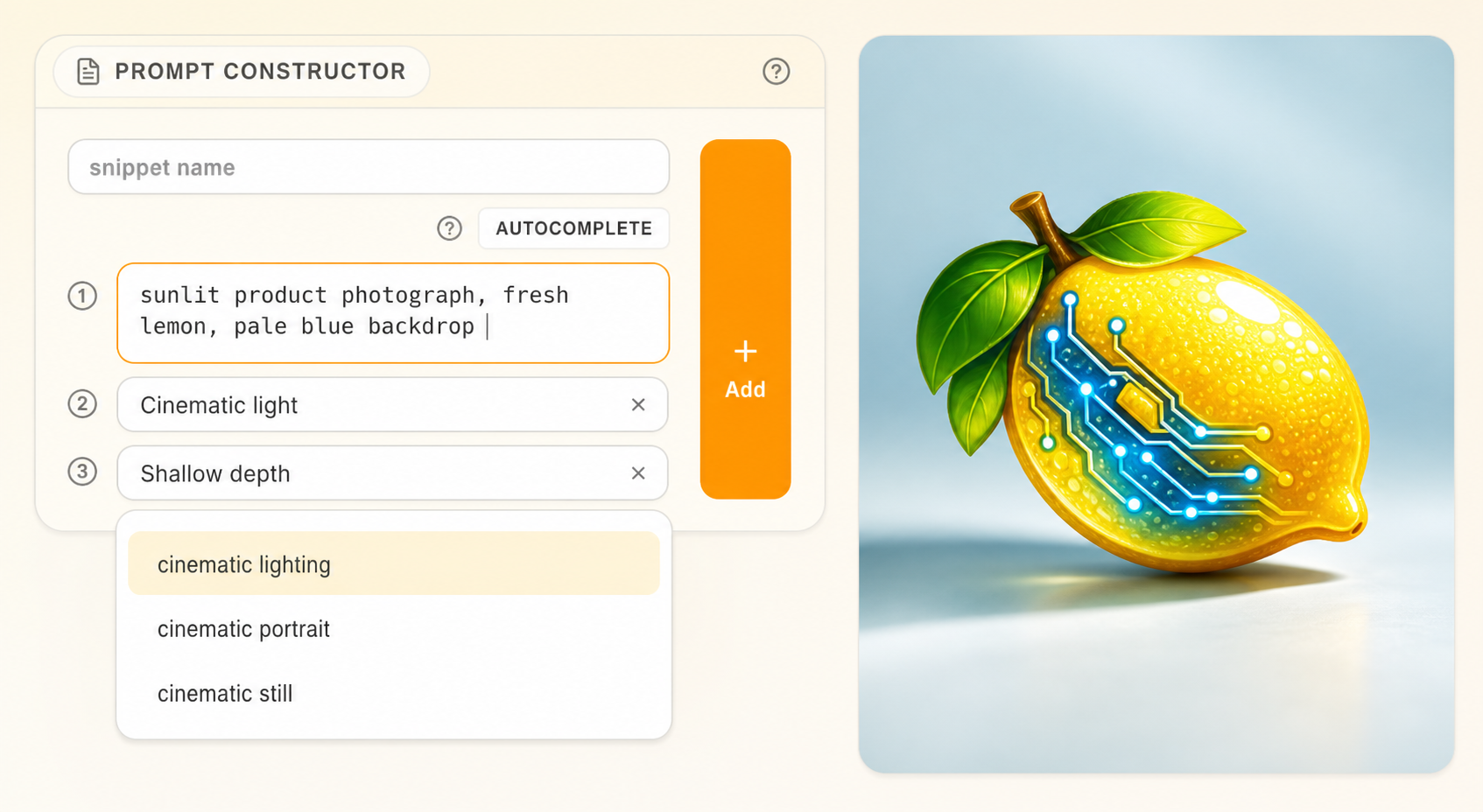
Autocomplete watches the active prompt field and offers matching words or phrases from the configured source. Move through the visible suggestions, choose one, and keep typing. Only accepted text enters the prompt.
Use suggestions #
- Place the cursor where a completion belongs.
- Type enough characters to make the intended concept specific.
- Review the suggestion list.
- Choose the matching suggestion with the keyboard or pointer.
- Read the full prompt after insertion and remove accidental repetition.
Suggestion quality depends on the source and the text before the cursor. Specific prefixes narrow the list more effectively than repeatedly accepting broad terms.
Keep control of vocabulary #
Use autocomplete for recall and spelling, then judge the phrase in the full prompt. Save phrases you use often as snippets. Prompt Library helps you find prompts and settings from earlier images or clips.
If suggestions do not help #
| Symptom | Check |
|---|---|
| No list appears | Feature setting, credential, active field, and source response |
| Irrelevant results | Add a more specific prefix |
| Duplicate phrase | Review the completed prompt and remove overlap |
| A term should be reusable | Save it as a snippet |