
Keep the strongest work, move finalists together, and send obvious misses to trash without making the decision permanent too soon.
Selection mode applies an action to everything you select. Cleanup mode works differently: you select the images or clips to keep, and Studio moves the rest of the current group toward trash. Always review the selection and current Project or folder before confirming.
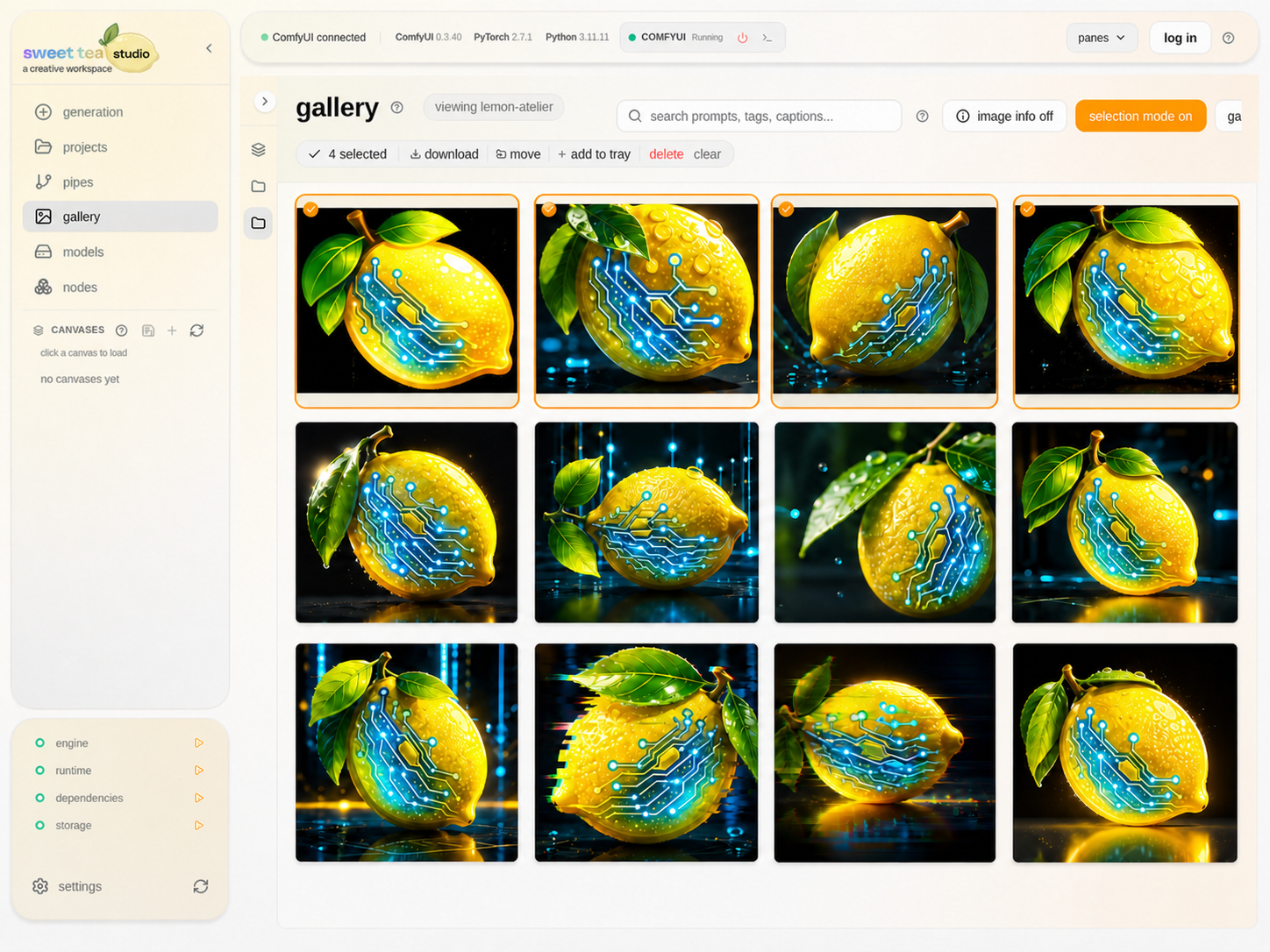
Four selected finalists stay clearly marked while the rest of the run remains visible for comparison.
Curate a run #
- Narrow Gallery to the run or folder.
- Enter selection mode.
- Open uncertain items at full size.
- Select the work that meets the creative goal.
- Move finalists to a named folder, reuse them, or send misses to trash.
- Review the confirmation and complete the action.
- Leave trash intact until you are sure.
Build a shortlist #
Use a named folder such as finals for the work you want to keep together. Use Media Tray for a temporary comparison while you move between Studio screens.
Recover a mistake #
Open Project trash, identify the item by its preview and folder, and restore it before emptying trash or removing files outside Studio.