
Keep a few images or clips beside your workspace so you can compare them or drag them into another Pipe.
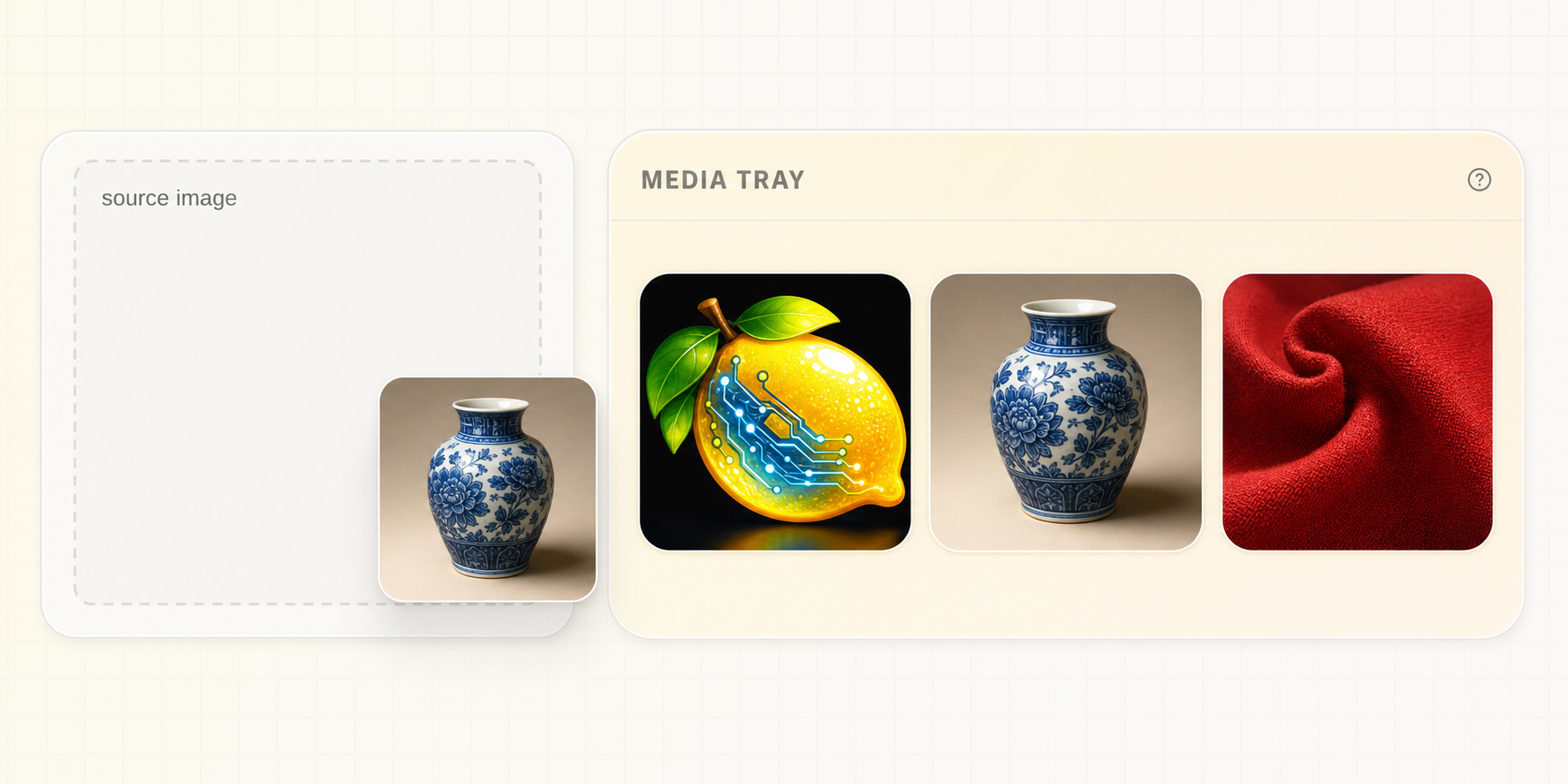
Media Tray keeps images or clips you are actively comparing or reusing beside Prompt Studio. Preview an item, select several, hold to reorder, drag compatible media into a Pipe input, and clear items when you are finished. The original files stay in Gallery.
Reuse an item #
- Add one or more images or videos to Media Tray.
- Preview the item you intend to use.
- Reorder the tray when sequence matters.
- Drag the item onto a compatible media field in the active Pipe.
- Confirm the field preview before generating.
For workflows that use several frames or references, keep the tray order aligned with what the Pipe expects. Check the visible field to confirm which image or clip you supplied.
Choose the right reuse action #
| Goal | Action |
|---|---|
| Supply media to a visible input | Drag from Media Tray |
| Restore compatible values and media from an image or clip | Use in Pipe |
| Make another version with the same saved setup | Regenerate |
| Keep files organized | Move them in Gallery |