
Turn a supported .tea package or ComfyUI workflow JSON into a local Pipe, then finish the work required for a reliable creator-facing tool.
Before you start #
Connect the ComfyUI engine that should run the workflow. Keep the original file unchanged so you can compare the imported graph when validation reports a problem.
The ComfyUI migration importer discovers saved and history workflows, classifies ready, duplicate, incompatible, and attention-needed candidates, and lets you batch-import selected items. File import accepts supported .tea packages and workflow JSON. Both paths normalize the graph before it becomes a local Pipe.
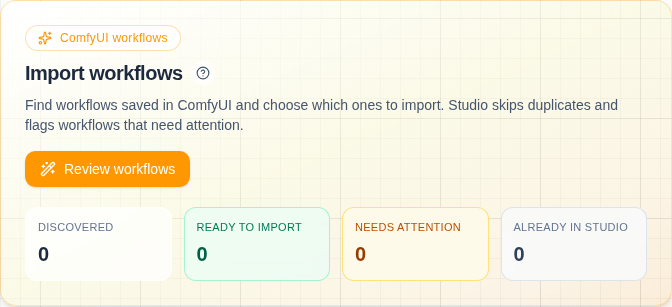
Classification lets you review the migration set before changing the Pipes library.
Import a file #
- Open Pipes → Import.
- Choose the
.teaor workflow JSON file. - Review the detected workflow and output.
- Name the Pipe and complete import.
- Revalidate against the connected engine.
- Open dependency status and resolve missing models or nodes.
- Edit the generated controls before treating the Pipe as finished.
Migrate from ComfyUI #
- Open Settings → Setup → Import workflows.
- Discover workflow and history candidates.
- Review ready, duplicate, incompatible, and needs-attention groups.
- Select only the candidates you want.
- Batch import, then finish each Pipe in the library.
Import contract #
A supported candidate needs a usable graph and exactly one terminal output. Studio preserves ordinary graph inputs and values during normalization. The imported Pipe can still need dependency installation, creator-facing labels, visibility choices, Core/Expanded grouping, ordering, or standard bypass controls.
Import creates a candidate Pipe; validation and setup make it creator-ready.