
Find prompts and settings from images or clips you made before, then reuse compatible values in the active Pipe.
Before you start #
Open Studio’s direct /library route, then choose the Project or search range you need. Prompt Library is not currently in the primary navigation. Keep the beginning of your Studio address and replace only its page path with /library.
Prompt Library lets you search earlier prompts and the media made with them. Each entry includes a preview and the details Studio saved. Prompt Constructor snippets are phrases you chose to reuse; Prompt Library helps you recover words and settings from prior work.
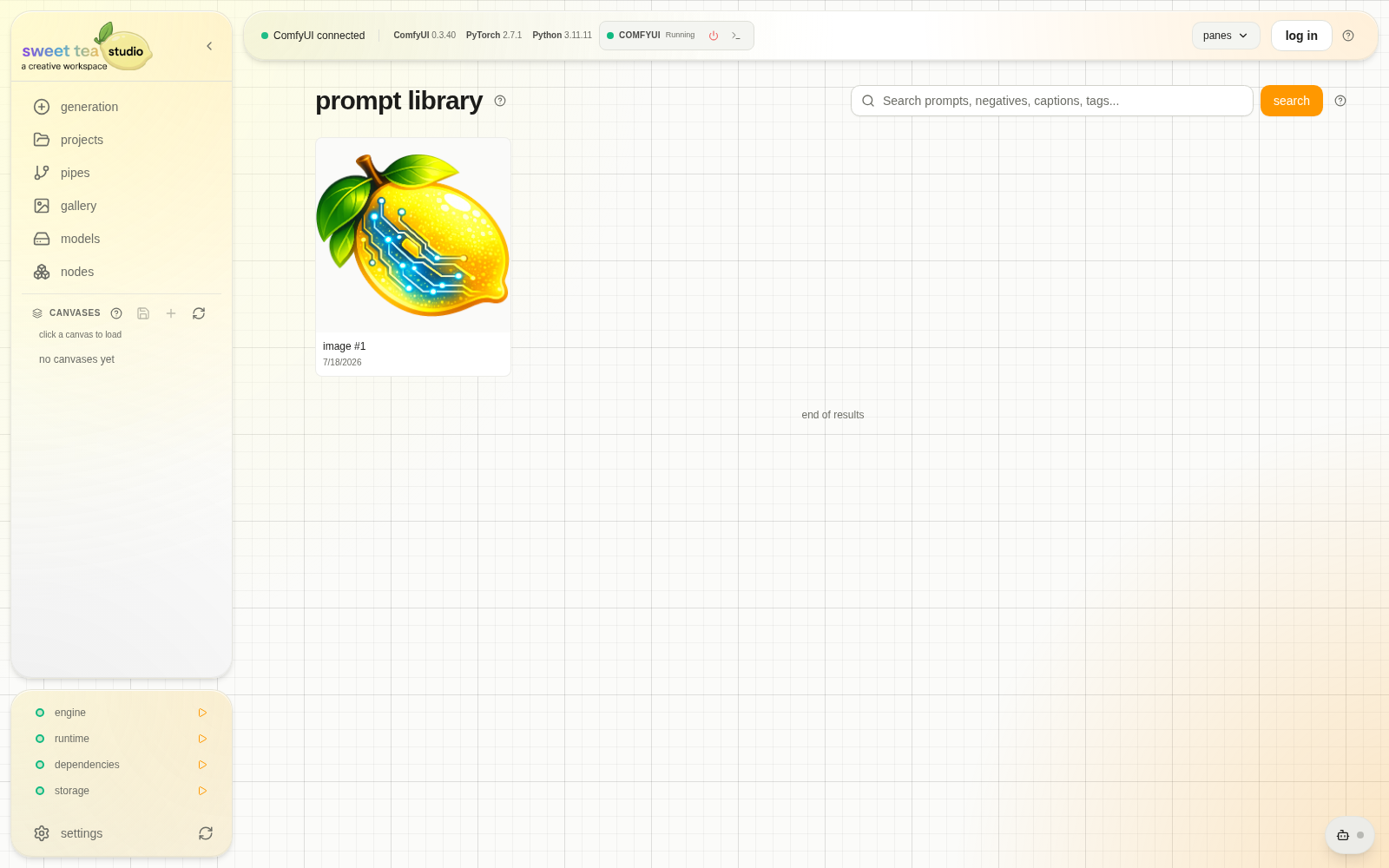
Search the work you made, then review the prompt and settings saved with it.
Browse and retrieve #
- Search by prompt terms, captions, or available metadata.
- Filter the visible snapshot set.
- Open an image or clip and preview its source.
- Review the Pipe and matching fields.
- Choose the compatible values you want to apply.
Search & Apply copies compatible values into the current Pipe after you review where they came from. Fields without a safe match remain unchanged, and you can inspect the prepared controls before generating.
Library or snippet? #
| Need | Use |
|---|---|
| Recover text and settings from prior media | Prompt Library |
| Save a phrase you want to reuse | Prompt Constructor snippet |
| Resume a complete working setup | Canvas |
| Make another version from one image’s saved setup | Regenerate |