Studio saves the generation recipe with work created in Studio: the prompt, Pipe and workflow context, settings, inputs, and output relationships. Open a result to understand how it was made and keep creating from it.
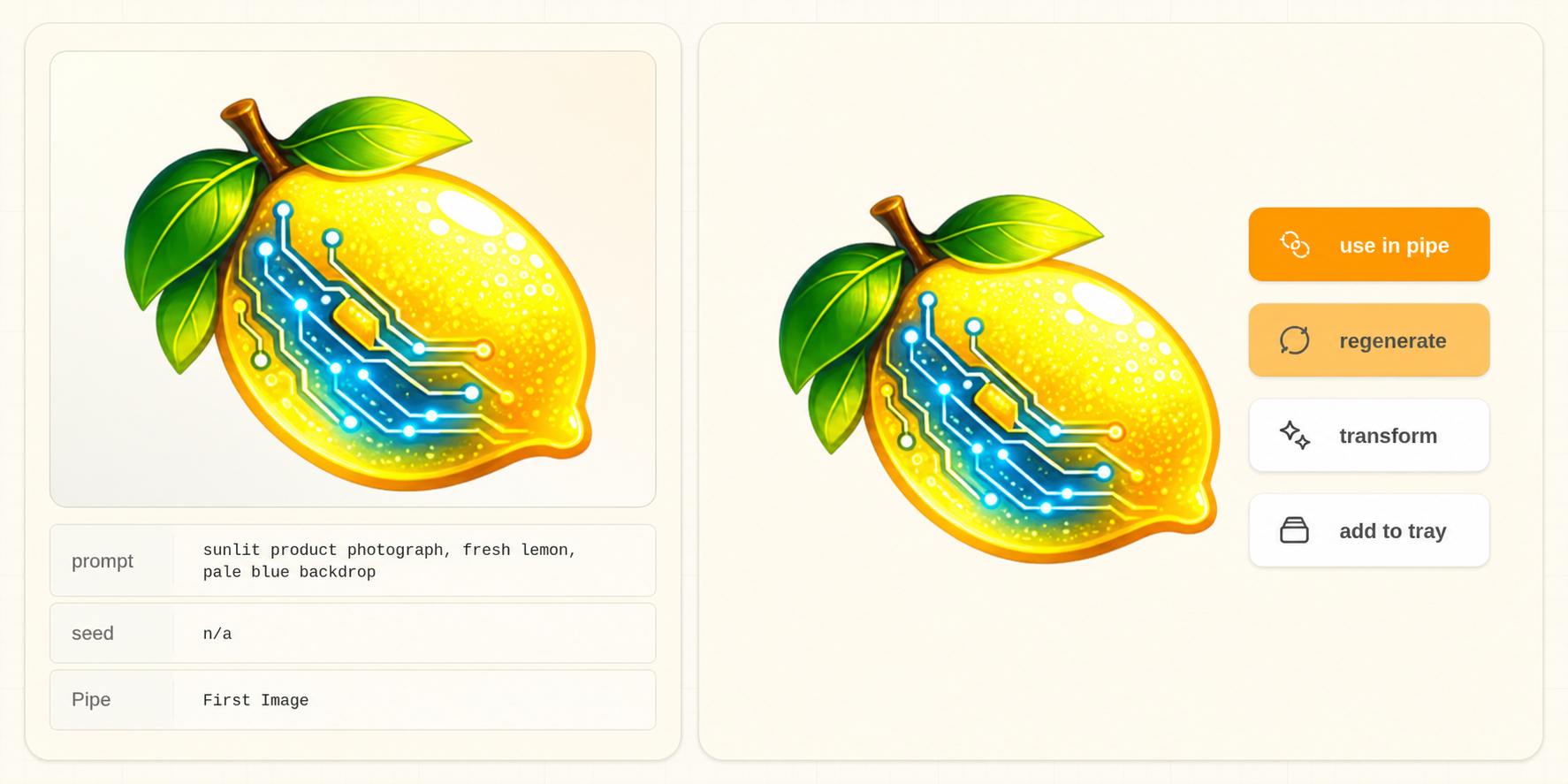
What Studio remembers #
| Part of the work | What it lets you do |
|---|---|
| Prompt and snippet context | Read the wording used for that generation and recover prompt composition |
| Pipe, workflow, and execution values | Restore the generation setup, including recorded seeds and controls |
| Input media and output relationships | See the source material and continue from the right result |
| Project and folders | Keep the result with the body of work it belongs to |
| Generation and attempt records | Distinguish the creative recipe from a run, retry, or output file |
Studio's saved generation records are separate from metadata embedded in an image or video. File metadata and sidecars help carry context when media moves; they are not the only place Studio keeps the recipe.
Continue from the result #
- Open the image or clip in the viewer.
- Read its saved prompt and generation details.
- Choose Regenerate to restore that result's recipe.
- Choose Use in Pipe to use the media and compatible values in another creative tool.
- Review the restored fields, make your changes, and generate.
Regenerate and Use in Pipe explains the two paths. The original result remains available.
Imported files and edited copies #
A file made elsewhere may carry a complete ComfyUI workflow, a partial prompt, or no generation information. Studio reads the available evidence; importing a file does not create a missing history.
Re-encoding or editing media in another application can remove embedded metadata. Keep an accompanying JSON sidecar with a JPEG when one is present. A backup of your Studio profile preserves application records; a copy of one exported image does not contain the whole project.
Can I reproduce the exact image? #
Regenerate restores the recorded setup. Reproducing the same pixels also depends on using the same model files, source inputs, and execution environment. Some backends are nondeterministic. Changing a seed intentionally creates a variation.
If the original Pipe is missing, Studio can recover it from recorded workflow evidence where available. An ambiguous match or missing historical value is shown instead of silently substituting another setup.
Keep the whole creative project #
Back up both your Studio profile and project files. Studio Sync and original-media storage serve different jobs. Before removing a remote machine, confirm that the originals you need have reached the destination you intend to keep.