
Keep each body of work, its folders, and its images or clips together.
Before you start #
Choose a project location with enough space. Studio uses your first configured location by default.
A Project is the home for one body of work. Its folders hold source media, finished work, and masks; Prompt Studio saves into the active Project and Gallery shows what is there. You can reorder, archive, move to trash, and restore Projects.
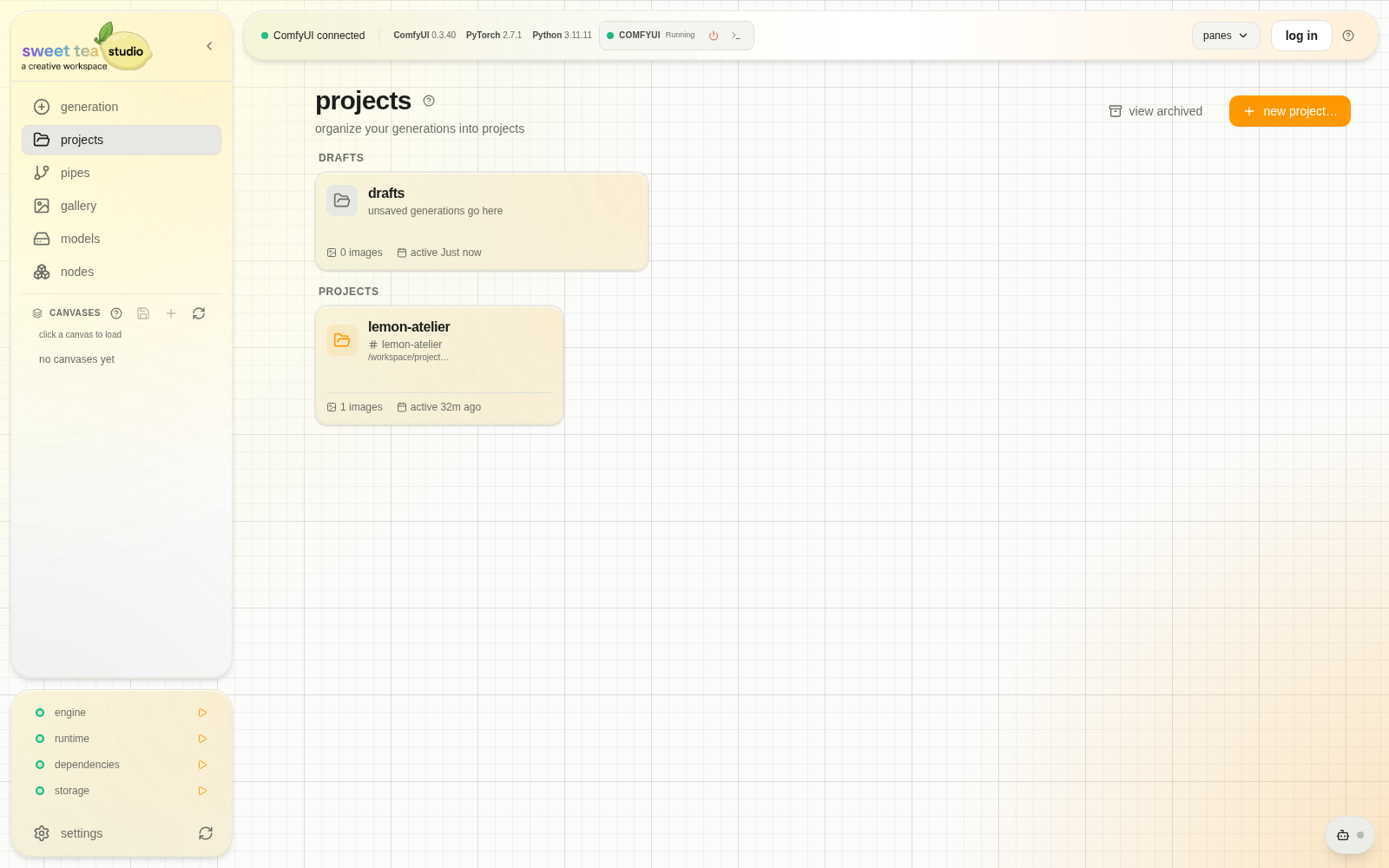
Draft is ready for quick work; named Projects keep larger bodies of work separate.
Create a project #
- Open Projects.
- Choose New project.
- Give it a name that identifies the body of work.
- Select where the Project should live.
- Create the input, output, and mask folders you need.
- Open the project in Prompt Studio and confirm its default output folder.
Projects or folders? #
Use a new Project when the work should stand on its own. Use folders inside it for groups such as sources, explorations, masks, and finals.
Archive, trash, and restore #
Archive removes a Project from the active list without deleting it. Trash removes it from normal use but leaves a restore path. Read the confirmation before acting on a Project that contains work you need.