
Browse what you made, compare a series, and decide what to keep, reuse, move, or remove.
Gallery shows the images and clips in your Projects. Filter by Project or folder, search, select a group, review at full size, move files, send misses to trash, or open an item for Transform, Regenerate, Use in Pipe, and Media Tray.
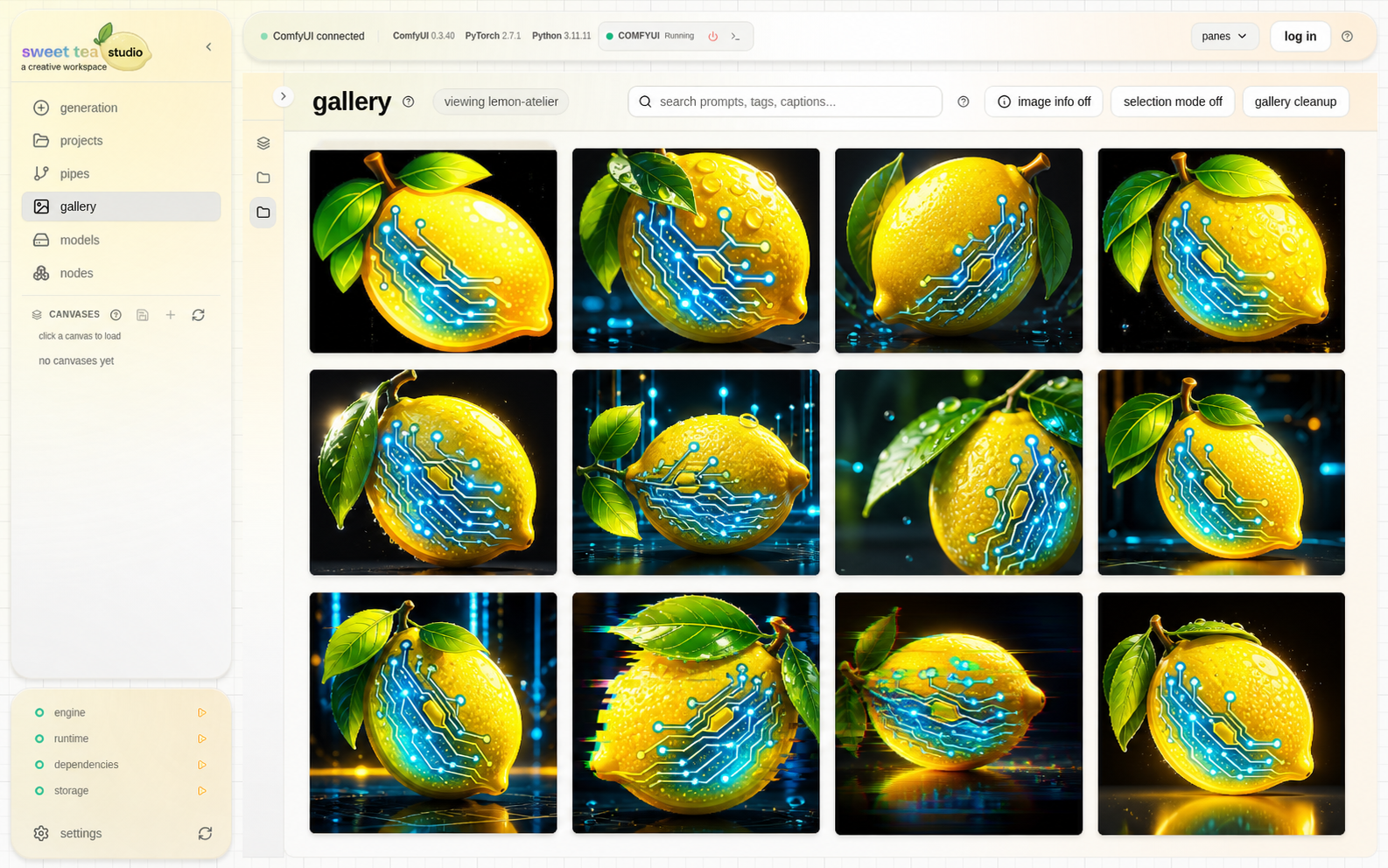
Review a whole series together so the strongest variations and obvious misses are easy to see.
Find and act on media #
- Choose the project and folder.
- Search by prompt or other saved details when the visible set is large.
- Open one item for full review.
- Use selection mode for a deliberate group action.
- Move media when it belongs in another Project or folder.
- Move unwanted work to trash; restore it if you change your mind.
Reuse from Gallery #
| Intent | Action |
|---|---|
| Supply media to the active Pipe | Add to Media Tray |
| Carry compatible settings or media into a chosen Pipe | Use in Pipe |
| Make another version from the saved setup | Regenerate |
| Create an edit or mask | Transform |
Refresh after external changes #
If you copied files into a Project outside Studio, refresh or use Import existing media. If files are missing, check that the Project location is connected before changing anything in Gallery.