Prompt Constructor
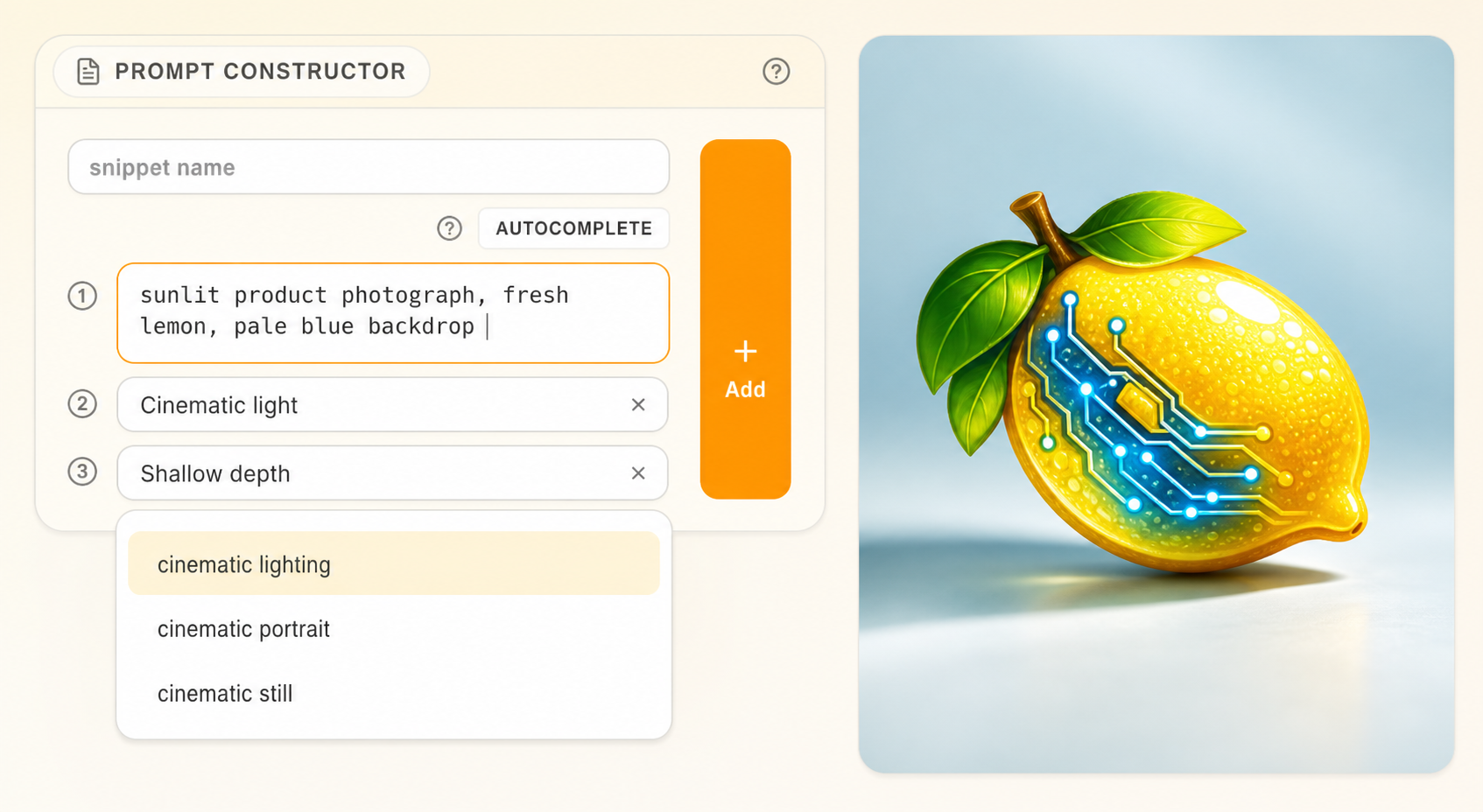
Writing the same style phrases, quality tags, and structural descriptions from scratch every time gets old fast. The Prompt Constructor lets you build prompts from reusable blocks instead of treating every prompt as a blank page. Think of it like assembling a sentence from prepared ingredients rather than writing the whole thing longhand.
Block-Based Prompt Building
Instead of one long text field, the Prompt Constructor lets you compose prompts from individual blocks. Each block is a discrete piece of prompt content — a subject description, a style direction, a quality suffix — that you can add, remove, reorder, and swap independently.
Here's a real example. Say you're working on cinematic landscape images. Your prompt might be built from three blocks:
| Block | Content | Purpose |
|---|---|---|
| Subject | a winding mountain road through autumn forest | What you're generating |
| Style | cinematic composition, golden hour lighting, atmospheric haze | Visual direction |
| Quality | highly detailed, 8k, professional photography | Output quality guidance |
The Constructor joins these blocks into a single prompt string when you generate. The advantage: when you want to try a different subject but keep the same style and quality, you just swap the first block.
Snippets
Snippets are the saved building blocks you pull from your library into the Constructor. They're small, reusable pieces of prompt text that encode specific creative intent.
Creating a snippet
- In the Prompt Constructor, write or refine a piece of prompt text.
- Save it as a snippet with a clear name (like
cinematic-lightingorquality-8k-detailed). - Optionally tag it for easier retrieval later.
Using snippets
- Open the snippet palette in the Constructor.
- Browse or search for the snippet you want.
- Click to insert it as a block in your prompt.
A good starting set might include 10-20 snippets covering your core vocabulary:
- 3-5 style descriptions (
anime-flat-color,photorealistic-portrait,oil-painting-classical) - 3-5 lighting/mood phrases (
warm-rim-light,moody-overcast,neon-cyberpunk) - 2-3 quality suffixes (
masterpiece, best quality,highly detailed, sharp focus) - 2-3 negative prompt fragments (
blurry, low quality,extra fingers, deformed hands)
Tip: Keep snippets focused on one concept each. A snippet that combines lighting + style + quality is harder to remix than three separate snippets you can mix and match.
Drag-and-Drop Reordering
Prompt order matters in many diffusion models — the earlier something appears in the prompt, the more weight it tends to carry. The Constructor supports drag-and-drop reordering so you can experiment with block order quickly.
Try this: create two generations that differ only in block order. Put the style block first in one and the subject block first in the other. Compare the results in the Gallery. You'll often see meaningful differences, and this technique helps you develop intuition for how prompt structure affects output.
Autocomplete and Suggestions
As you type in the Constructor, Sweet Tea offers autocomplete suggestions drawn from your tag vocabulary and usage patterns. These can speed up your writing, especially for commonly used terms.
Use suggestions selectively — accept terms that match your intent and ignore ones that don't. Filling a prompt with loosely related suggested tags tends to produce muddy results. The Tags & Suggestions chapter covers how to build and maintain an effective tag vocabulary.
Rehydration
When you open a previous image from the Gallery and want to recreate or modify its prompt, the Constructor uses rehydration to reconstruct the structured block layout from saved metadata.
This means you don't just get a flat text string back — you get the original block structure (where possible), making it easy to swap one piece while keeping the rest intact. Rehydration works best when the original prompt was built with the Constructor, since the block boundaries are preserved in the metadata. For flat text prompts, you'll get a single block that you can then break apart manually.
Note: Rehydration depends on metadata being present. If you've imported images from outside Sweet Tea, there may not be enough information to reconstruct blocks. The Image Viewer & Metadata chapter explains what metadata is tracked and how to use it.