4xNomos2 Hq Mosr
Scale: 4 Architecture: MoSR Architecture Option: mosr
Fuente del modelo
- Tipo
- Other
- Tamaño del archivo
- 8,20–16,4 MB
- Versión
- v4x Nomos2 hq mosr
- Actualizado
- 14 sept 2026
- Fuente
- Hugging Face
Extracto de la fuente
Scale: 4 Architecture: MoSR Architecture Option: mosr
Fuentes
1 fuente
Fuentes
1 fuenteVerificado 8 ago
Artefactos del modelo
2 artefactos
Artefactos del modelo
2 artefactosExtractos de fuentes
2 extractos
Extractos de fuentes
2 extractos--- license: cc-by-4.0 pipeline_tag: image-to-image tags: - pytorch - super-resolution --- [Link to Github Release](https://github.com/Phhofm/models/releases/tag/4xNomos2_hq_mosr) # 4xNomos2_hq_mosr Scale: 4 Architecture: [MoSR](https://github.com/umzi2/MoSR) Architecture Option: [mosr](https://github.com/umzi2/MoSR/blob/95c5bf73cca014493fe952c2fbc0bdbe593da08f/neosr/archs/mosr_arch.py#L117) Author: Philip Hofmann License: CC-BY-0.4 Purpose: Upscaler Subject: Photography Input Type: Images Release Date: 25.08.2024 Dataset: [nomosv2](https://github.com/muslll/neosr/?tab=readme-ov-file#-datasets) Dataset Size: 6000 OTF (on the fly augmentations): No Pretrained Model: [4xmssim_mosr_pretrain](https://github.com/Phhofm/models/releases/tag/4xmssim_mosr_pretrain) Iterations: 190'000 Batch Size: 6 Patch Size: 64 Description: A 4x [MoSR](https://github.com/umzi2/MoSR) upscaling model, meant for non-degraded input, since this model was trained on non-degraded input to give good quality output. If your input is degraded, use a 1x degrade model first. So for example if your input is a .jpg file, you could use a 1x dejpg model first. PS I also provide an onnx conversion in the Attachements, I verified correct output with chainner: <img src="https://github.com/user-attachments/assets/7f2be678-9d63-43e3-bfb6-59c94827a828" width=25% height=25%> ## Model Showcase: [Slowpics](https://slow.pics/c/cqGJb0gT) (Click on image for better view) 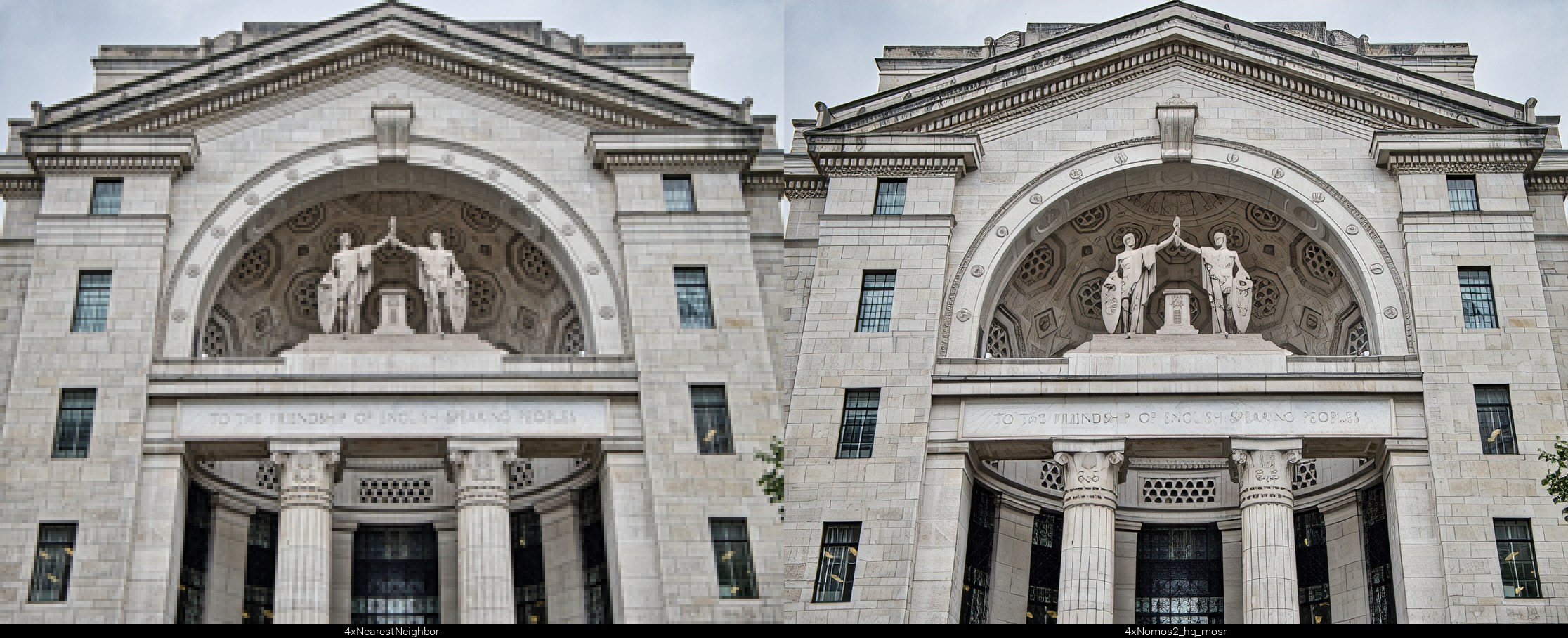 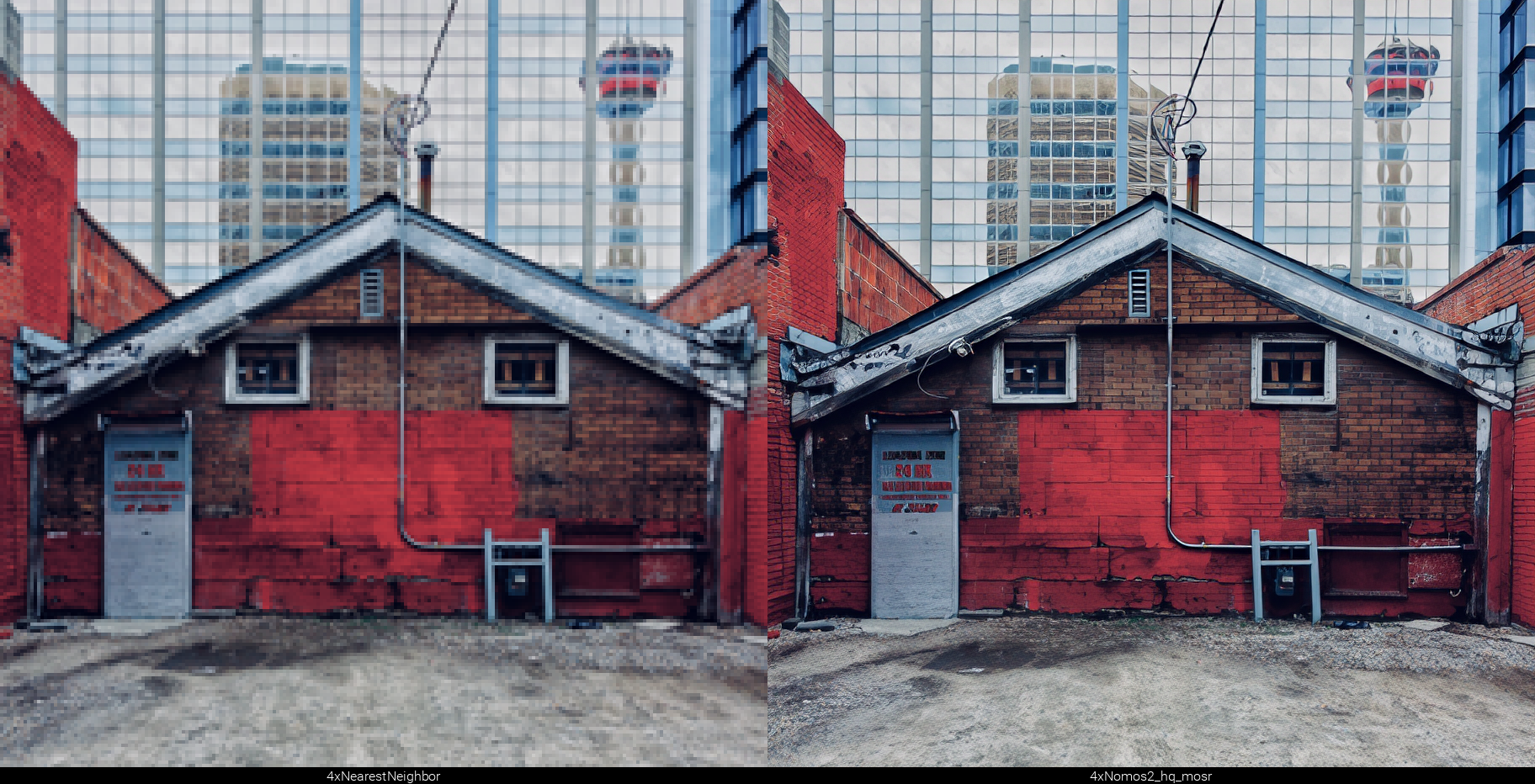  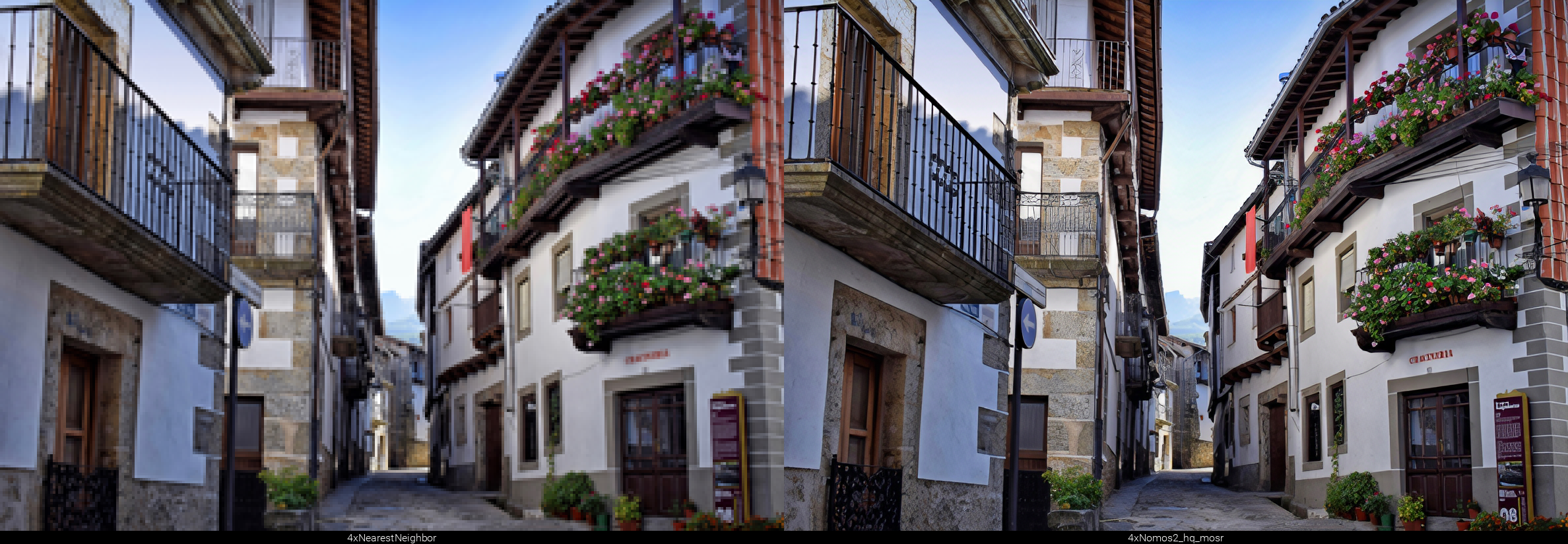   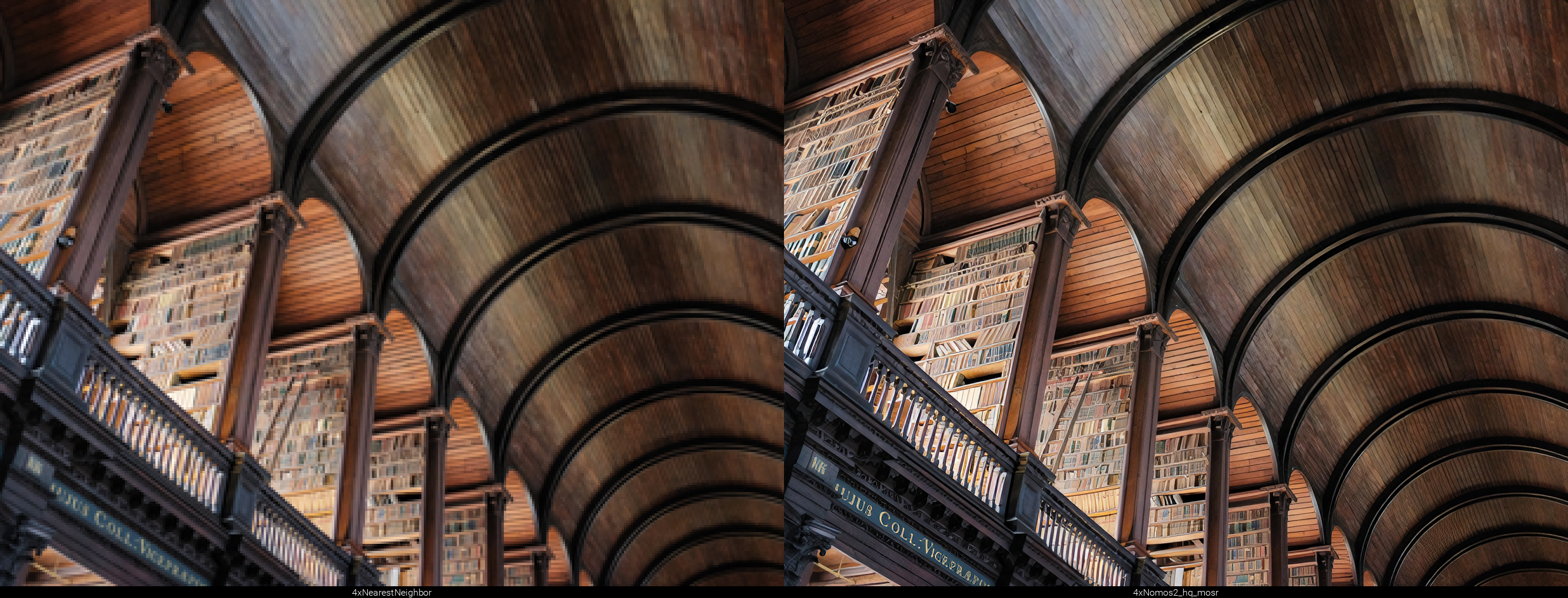  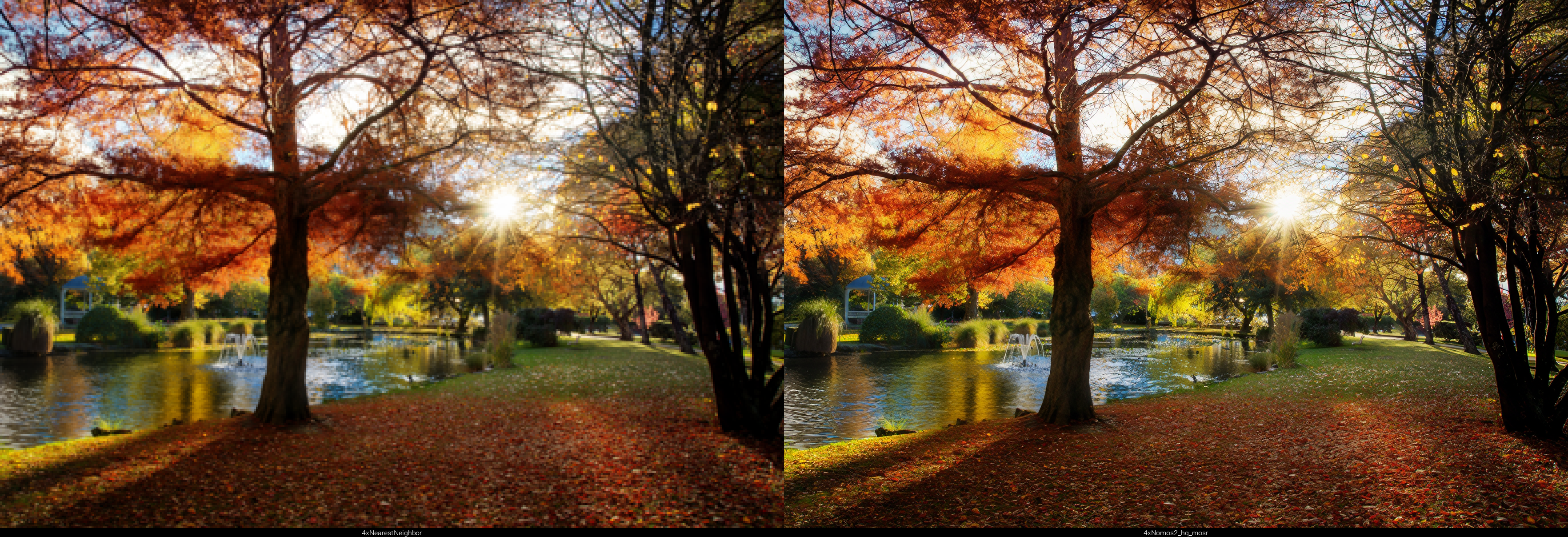
Source context: 0 downloads · 0 likes · Pipeline image-to-image · Repo Phips/4xNomos2_hq_mosr